
- Sign into your Customer Console and click on Site Settings
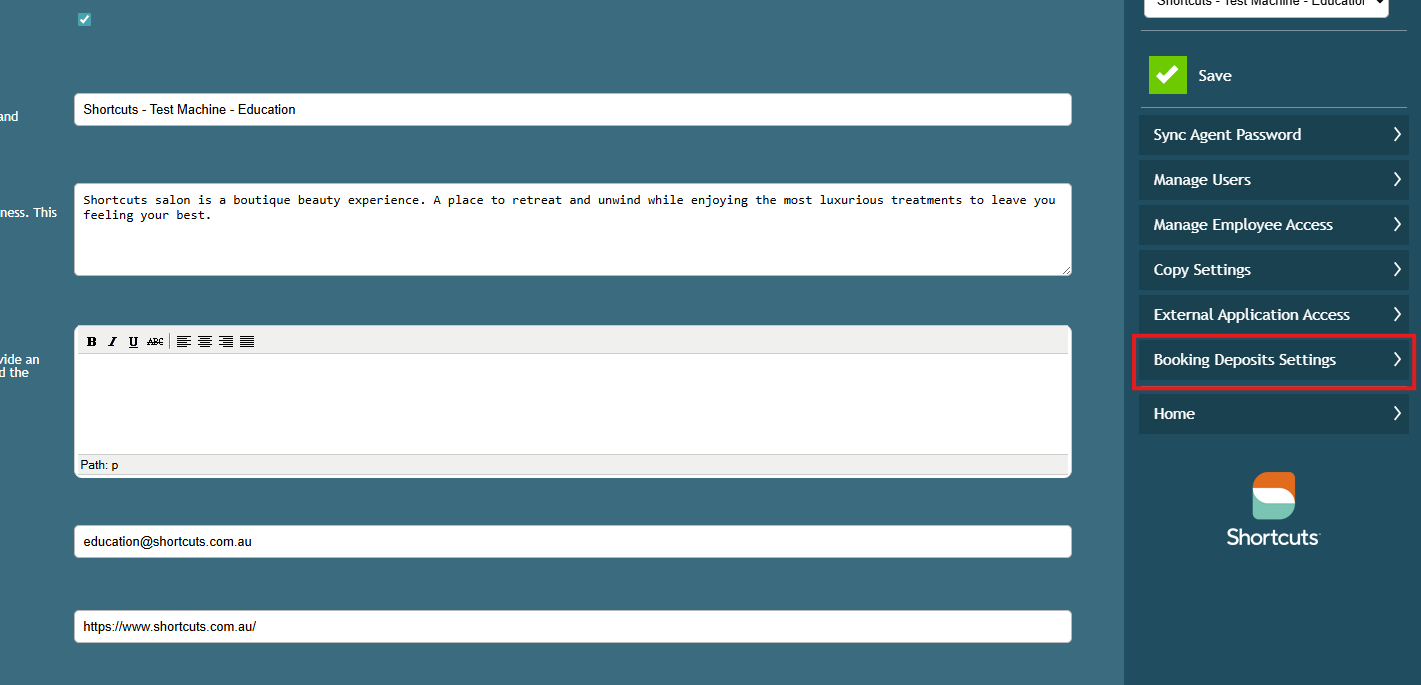
- Click on Booking Deposits Settings
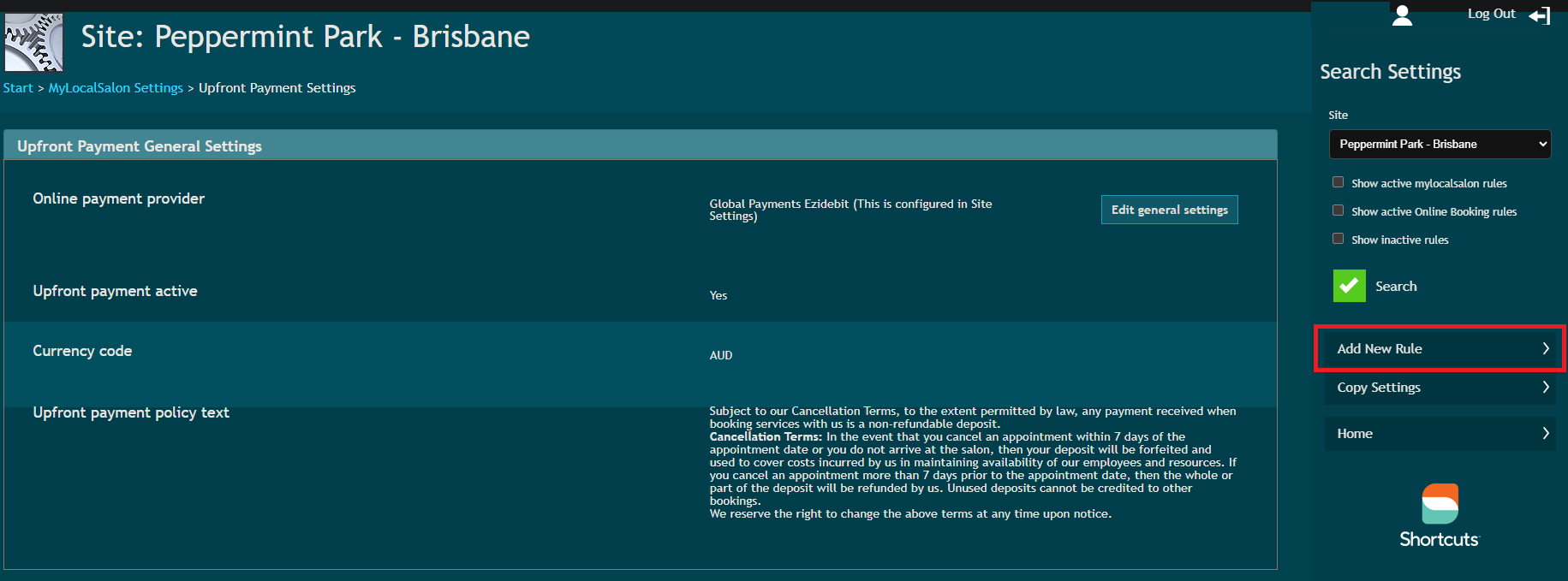
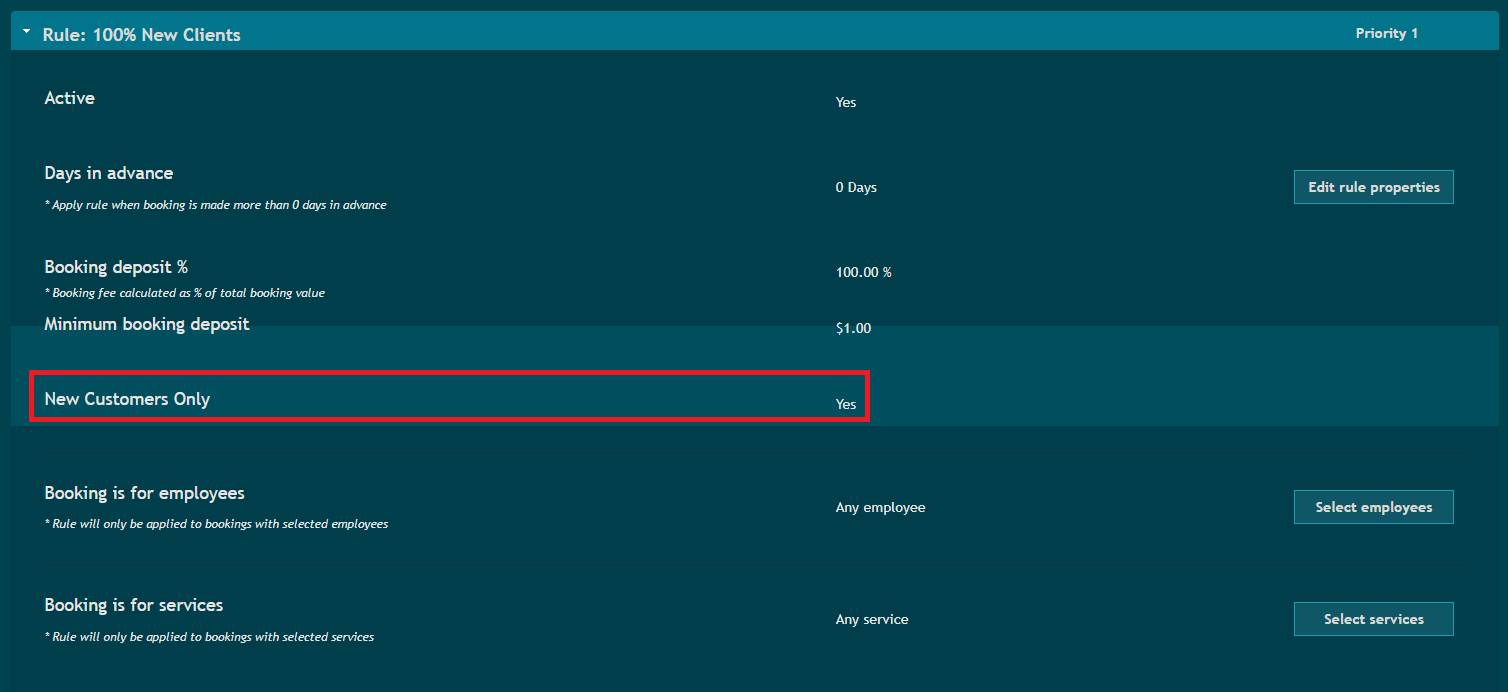
- Select ‘Add New Rule’. Here you can see a new setting for ‘New Customers Only’. Select this if you would like the rule to apply to New Customers Only.
NOTE: If this is unticked, the rule will apply to ALL customers (i.e. new customers AND existing customers).
4. If you already have rules set up, you can also edit these to apply to New Customers Only by clicked ‘Edit rule properties’.
Click to enlarge.
NOTE: If you have multiple rules, make sure that you take into account prioritising rules for new clients.
So for example, if you have the following rules:
- RULE 1: Take a 100% deposit for any colour services for new clients.
- RULE 2: Take a 50% deposit for any colour service for all clients.
You would need to make sure that Rule 1 is prioritised higher than Rule 2 in order for it to trigger specifically for new clients.