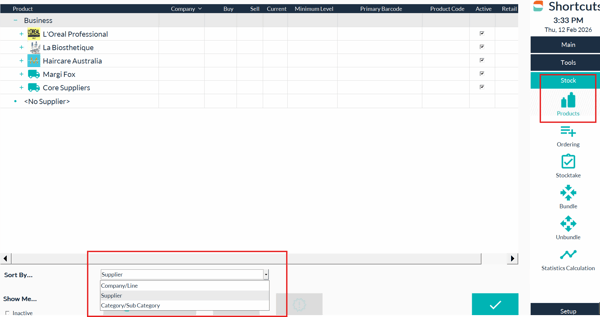
1. Navigate to Stock>Products
2. Change the view from Company/Line to Suppliers on the bottom left
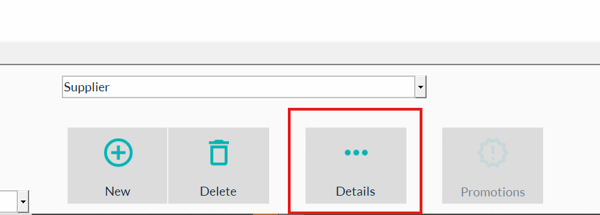
3.Select the Supplier to Edit and then select details at the bottom center of the screen.
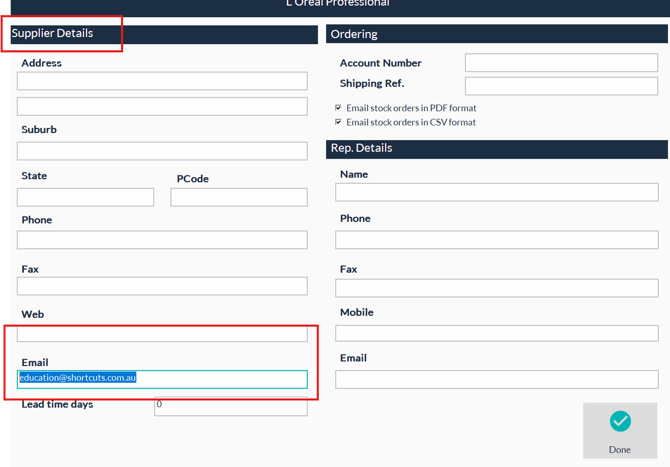
4. Fill in the contact details (e.g., email, account number, shipping reference) on the left and right columns. The Supplier Email will Email the Supplier the order Directly.
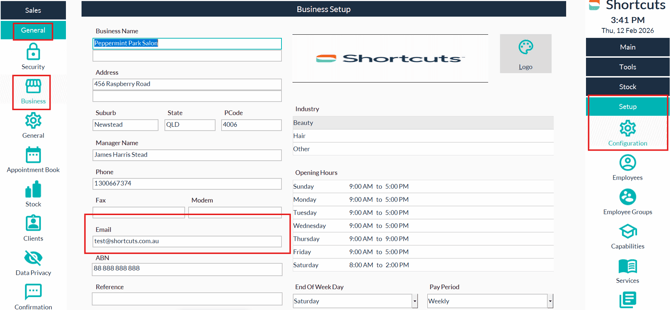
Your Business Email must be in the configuration settings under business details for the Order to Send via Email.