
- Log into: dashboard.stripe.com
- In the search bar type - Terminal
- Select “Locations”
- Select the Site default "Your Buisness name" to open to the Default locations

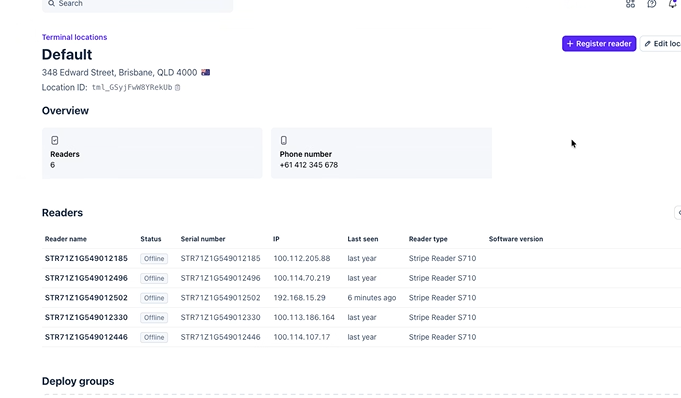
-
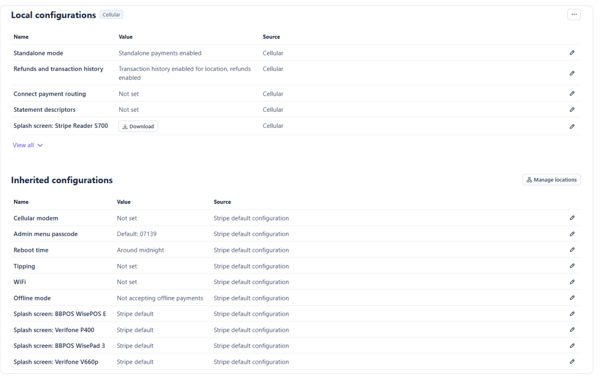
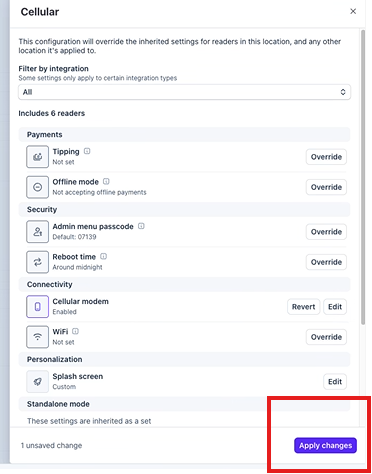
Scroll to ‘Inherited configurations’ - select the edit next to Cellular modem
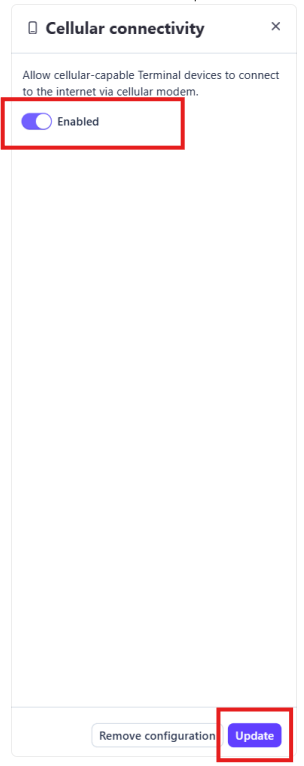
- Select “Enable” & then click “Update”
7.Confirm
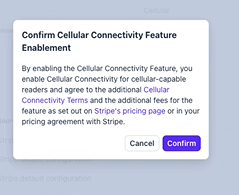
8. Apply the changes
Please note Stripe charge a fee per month, this will be added to your monthly invoice you receive from Shortcuts each month